How to Choose the Best AI Task Automation Tools for AI Agent Creation
You're comparing AI task automation tools, but every vendor claims their agent handles your workflow. The real test is whether the tool fits your team's actual communication habits and field realities, not just its feature list. Most buyers abandon a tool within weeks because the AI agent doesn't match how work gets assigned and reported.
By the end of this article, you'll have a concrete checklist for evaluating automation capabilities, integration depth, and pricing transparency. You'll also get a clear #1 pick that combines native WhatsApp integration with field-specific features like GPS and face verification, plus four alternatives with their specific strengths and trade-offs.
What to Look For in AI Task Automation Tools for Agent Creation
Selecting the right AI task automation tool for agent creation hinges on a few critical pillars that determine whether your automations will thrive or fail in real-world scenarios.
These pillars are core automation capabilities, integration depth, and pricing transparency. Each one directly impacts how quickly your team adopts the tool and how effectively your AI agents perform.
Getting these fundamentals right means your autonomous agents will handle real work reliably. Getting them wrong leads to stalled deployments, frustrated users, and wasted budget.
Core Automation Capabilities and AI Agent Flexibility
When evaluating an AI task automation tool, assess whether it can handle complicated processes, make autonomous decisions, and adapt to your team's unique processes without requiring extensive coding.
Look for tools that support multi-step task orchestration where one action triggers a sequence of dependent steps. The tool should also offer decision-making capabilities that let your AI agent choose between different paths based on incoming data or user input.
Flexibility in defining agent behaviors matters just as much. The best platforms let you customize how your agent responds, what tools it calls, and how it manages context. No-code or low-code options are essential for teams without dedicated developers, while API access serves teams that need deeper programmatic control.
Consider whether the tool leverages natural language processing and machine learning to understand messy, real-world inputs. A strong example is a tool that parses a voice note, extracts the action items, and creates structured tasks automatically. This kind of cognitive automation goes beyond simple rule-based triggers and approaches true autonomous agent behavior.
Also evaluate how the platform handles memory and context. Tools that maintain conversation history and remember prior decisions create more coherent AI agents. Ask about prompt engineering support, model fine-tuning options, and function calling capabilities, as these determine how sophisticated your agents can become.
Integration Depth with Existing Communication Channels
A tool that integrates seamlessly with the communication channels your team already uses, like WhatsApp, Slack, or email, reduces friction and boosts adoption rates.
Integration depth is not just about having a connector available. It is about whether the tool can trigger tasks directly from chat messages without manual forwarding or copy-pasting. For instance, a field service team can send a voice note on WhatsApp and have it become a scheduled task automatically, complete with priority flags and assignees.
Evaluate the difference between native integrations and third-party connectors. Native integrations are built by the tool vendor and tend to be more reliable and feature-rich. Third-party connectors, often built through platforms like Zapier or Make, work well but may have limitations in speed or data fidelity.
Check whether the tool offers a public API for custom integrations. If your team uses niche internal tools or a proprietary CRM, a well-documented API is critical. The best tools meet users where they already work rather than forcing them into a new hub.
Pay attention to latency and reliability of these integrations. A task that takes minutes to appear after a chat message defeats the purpose of automation. Test the integration during a trial period to confirm it performs under real usage patterns.
Pricing Transparency and Scalability for Teams
Transparent, per-member pricing with clear scalability options ensures your automation costs grow predictably as your team expands.
Start by looking for pricing models that are easy to understand. Per-user, per-month pricing is common and straightforward. Annual plans often come with discounts, but verify whether those savings are worth the upfront commitment. Watch for hidden fees related to API calls, additional integrations, or premium support tiers.
Scalability involves more than just user count. Ask whether the tool can handle an increasing volume of tasks without performance degradation or a sudden cost spike. Some platforms charge per operation or per workflow run, which can become expensive as your automation usage grows. Compare these usage-based models against flat-rate plans to find the best fit for your expected volume.
Many tools offer free trials or live demos that let you test scalability before committing. Use these opportunities to run a realistic workload and observe how the system behaves under pressure. This also gives you a chance to evaluate the user interface and see whether your team can navigate it comfortably.
When comparing costs, weigh them against the value of time saved. A tool that automates even a few hours of manual work per week can justify a higher price point. Research suggests that teams should model their total cost of ownership across a 12-month horizon, including setup time, training, and any required add-ons, before making a final decision.
1. Tasks.Bot - Best Overall
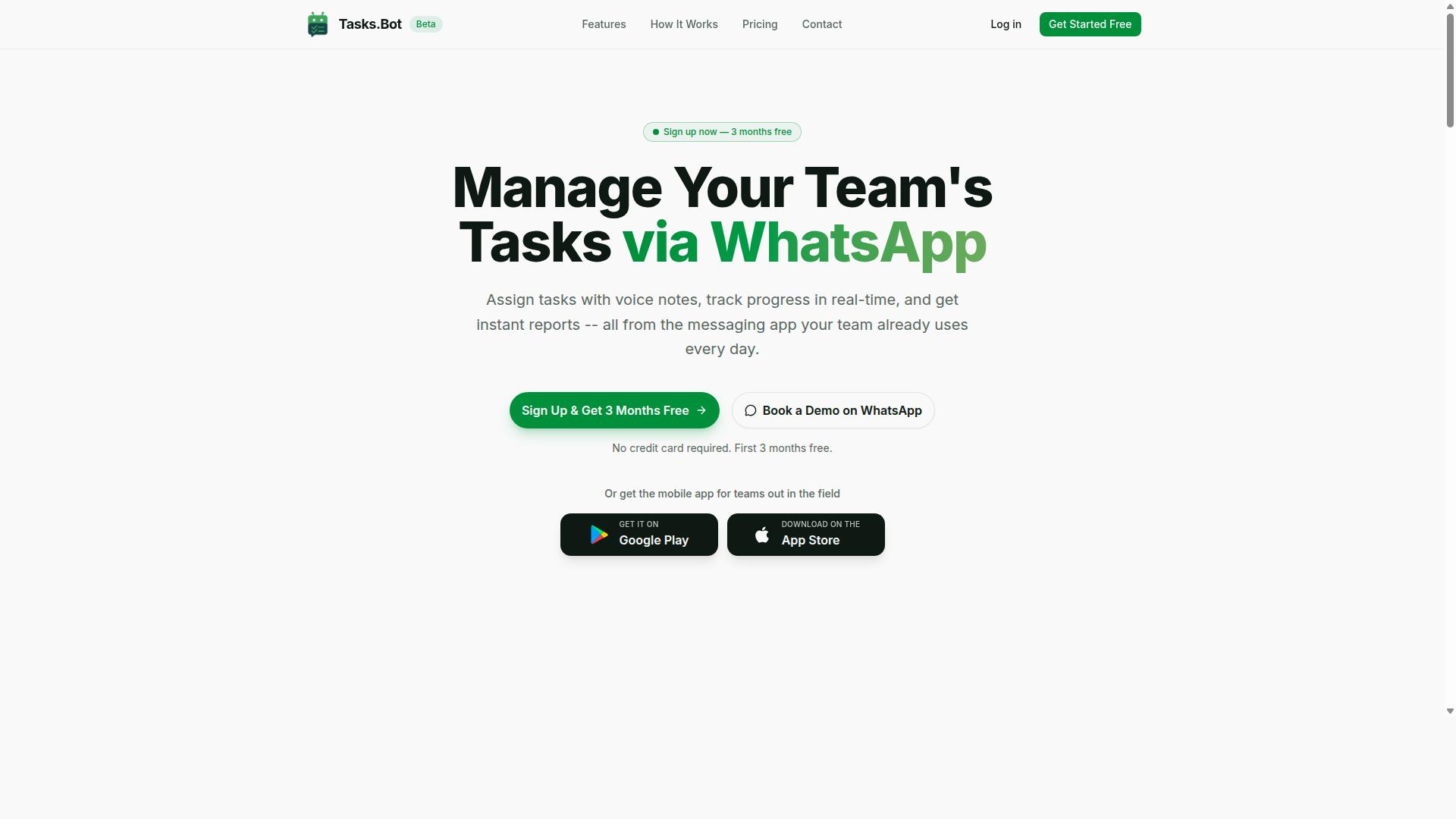
Tasks.Bot stands out as the best overall choice for teams that live in WhatsApp, offering a seamless AI-powered task management experience directly inside the messaging app. It combines native WhatsApp integration, AI-driven task creation, and transparent pricing into one practical package.
What makes this tool different is its focus on simplicity. Your team already knows how to use WhatsApp, so there is no steep learning curve or complicated setup. The sections below break down the core strengths: voice-to-task AI, field operations features, and a pricing model that is easy to understand and budget for.
Native WhatsApp Integration with Voice-to-Task AI
Tasks.Bot's native WhatsApp integration means your team can create tasks by simply sending a voice note or text message, and the AI handles the rest. The service uses AI to understand natural language and voice notes for task creation, so there is no need to fill out forms or navigate complex menus.
Team members do not need to install anything or create new accounts. They just use WhatsApp, which makes onboarding nearly instant.
This approach relies on natural language processing and machine learning to interpret intent accurately. The result is a task automation workflow that feels less like software and more like messaging a colleague. It is fast, intuitive, and removes friction from daily coordination.
Field Operations Features: GPS, Face Verification, and Live Tracking
For teams with field staff, Tasks.Bot includes GPS tracking, face verification, and live location sharing to ensure accountability and accurate attendance. These features go beyond simple task management and address real operational challenges.
Face-verified attendance helps managers confirm that team members are physically present when they check in. Live tracking shows where agents are during their tasks, which is useful for coordinating schedules and responding to urgent requests. Tasks can also be viewed on a map, giving a clear visual overview of the day.
These capabilities work together with shifts, leave, and hours management, making it easier to produce payroll-ready hours. Instead of juggling separate apps for attendance, location, and tasks, everything lives in one platform. For managers overseeing remote or mobile teams, this consolidation reduces administrative overhead significantly.
Transparent Pricing: 200/Month or 1,200/Year Per Member
Tasks.Bot offers a straightforward 'Full Access' plan at 200 per member per month, or 1,200 per member per year if billed annually. This plan includes all features, so there are no surprise add-ons or tiered restrictions.
Pricing is available in Indian Rupees () and US Dollars ($), which makes it accessible for international teams. For a 10-member team, the monthly cost is 2,000, which is cost-effective compared to hiring an extra coordinator to manage tasks manually.
The annual plan saves money over time, and new users get a 3-month free trial with no credit card required. When evaluating tool selection criteria like cost and pricing transparency, this model is refreshingly simple. You know exactly what you pay and what you get, which is rare in the AI task automation space.
2. Reminderly.ai
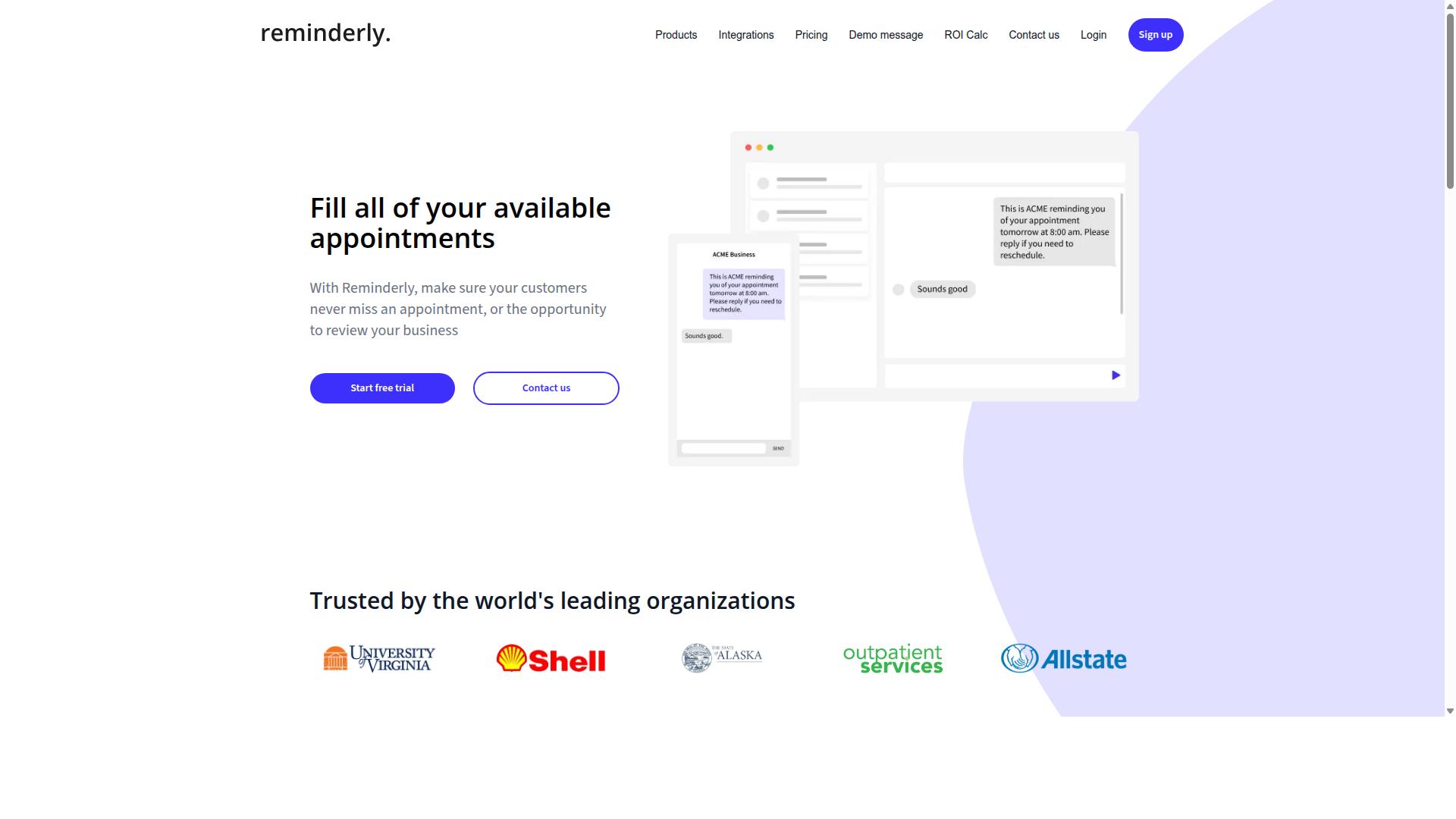
Reminderly.ai is another AI-powered reminder and task automation tool, but it lacks the deep integration with WhatsApp that Tasks.Bot offers. It positions itself in the broader category of AI agents that help users manage time-sensitive obligations and recurring to-dos.
For those evaluating AI agent creation tools, Reminderly.ai can be a reasonable starting point if your primary need is simple notification management. Its core value centers on natural language processing to interpret scheduling requests and convert them into actionable reminders.
However, integration capabilities may vary depending on the platform and the specific AI agent framework you intend to use. If your workflow automation depends on connecting with messaging apps, CRMs, or custom APIs, you will want to verify how Reminderly.ai handles those connections before committing.
Research suggests that reminder-focused tools often excel at single-step tasks but can struggle with multi-step tasks that require orchestration across different systems. Consider whether your use case demands simple alerts or more complex autonomous agents that make decisions and trigger downstream actions.
When comparing options, review Reminderly.ai's current offerings for integration depth and pricing directly on its website. The tool may suit individual productivity needs, but for teams building scalable AI agents, the evaluation criteria should include latency, reliability, and how well the tool handles context windows across long-running conversations.
Keep in mind that tool selection should match your technical environment. If you need low-code or no-code options, verify whether Reminderly.ai supports those workflows or whether it requires more hands-on configuration. A quick review of its documentation will clarify whether it fits your broader task automation strategy.
3. TaskRio
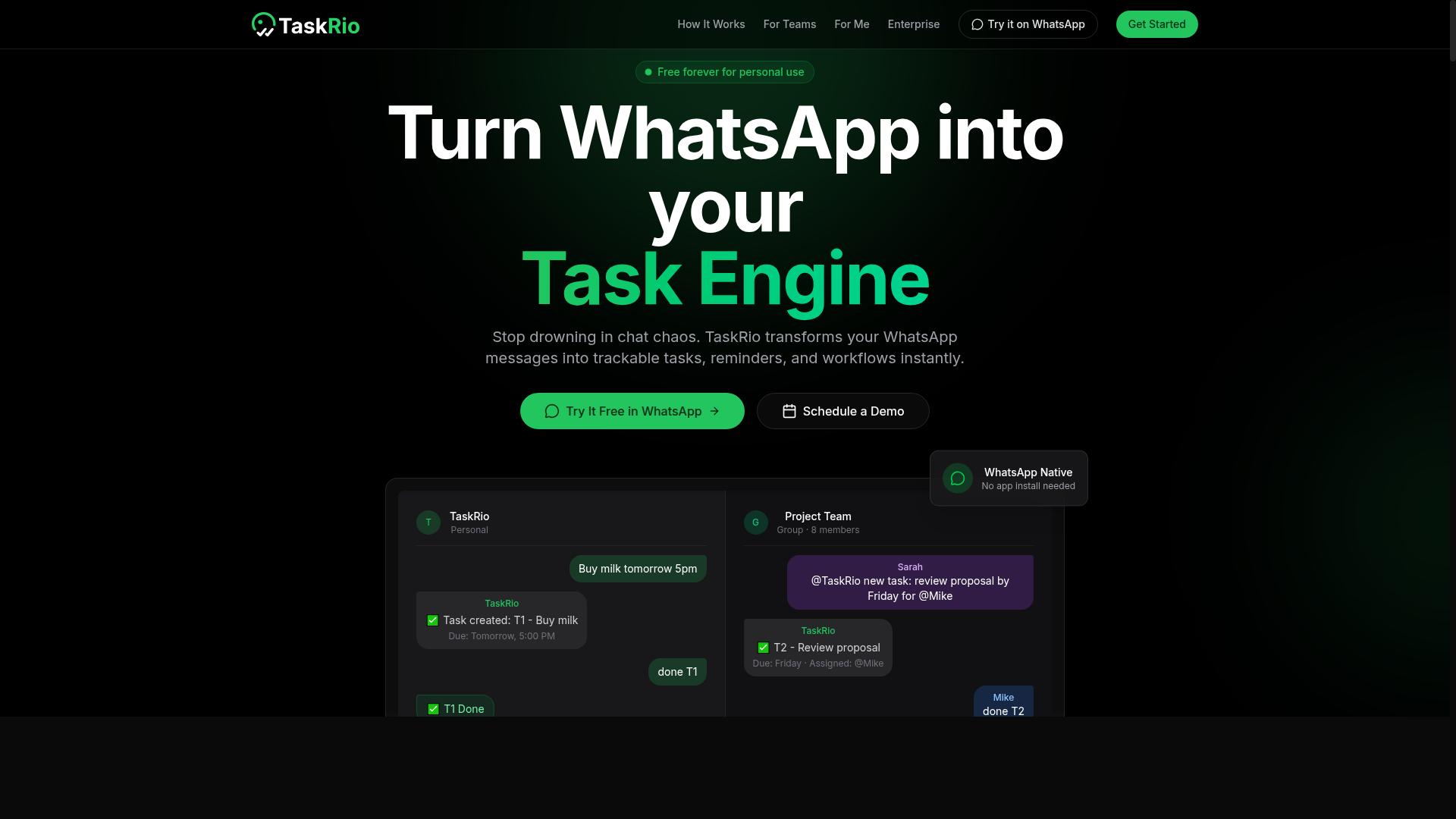
TaskRio offers a project management approach to task automation, but it may not natively work together with messaging platforms like WhatsApp. The platform tends to appeal to teams that already think in terms of boards, lists, and assigned owners rather than conversational AI workflows.
For AI agent creation, the key question is whether TaskRio can handle multi-step tasks that require orchestration. Many project management tools excel at tracking work but struggle with the autonomous decision-making that agent frameworks demand. You may find yourself manually stitching together steps that an AI agent should handle end to end.
One potential gap is the lack of native chat integrations. If your team relies on Slack, Microsoft Teams, or WhatsApp to trigger tasks, you might need to build custom connectors. Similarly, AI-driven voice-to-task capabilities are not typically a core feature in this category of tool, so dictating a task and having it parsed into structured actions may require third-party workarounds.
Before committing, evaluate the API and integration options carefully. Check whether the API supports function calling or webhook triggers that let an LLM or autonomous agent interact with your workflows. Without robust endpoints, your AI agent may not be able to read task statuses, update records, or initiate new assignments programmatically.
Also consider how the platform handles memory management and context across tasks. Project management tools often store task metadata well, but they may not preserve the conversational context that an AI agent needs for coherent, multi-step reasoning. This matters when your automation involves follow-up questions or conditional logic based on prior outputs.
TaskRio can be a reasonable fit for teams that want structured task tracking with some automation on top. However, for those building autonomous agents that need deep integration, natural language processing, and real-time decision-making, the platform may require significant customization. Compare its pricing and scalability against tools that were designed specifically for AI agent orchestration from the ground up.
4. Karo.bot
Karo.bot is another WhatsApp-based bot, but its features are more limited compared to Tasks.Bot, especially in terms of AI capabilities and field operations. It is designed primarily for users who want to manage everyday tasks through a familiar messaging interface. For simple to-do lists and reminders, this approach can feel convenient and approachable.
However, the AI sophistication level is a key differentiator when evaluating this tool for agent creation. Karo.bot may not offer the same depth in natural language processing or decision-making that you would find in more advanced platforms. The bot appears best suited for straightforward task capture rather than complex, multi-step workflow automation.
Before you commit to this option, check its current feature set for voice-to-task functionality and third-party integrations. These capabilities can change frequently, so verifying them directly is essential. You should also confirm whether it supports the specific field tracking features your team relies on for daily operations.
For teams that need robust orchestration of autonomous agents, this tool may feel limited. But for individuals or small groups looking for a lightweight assistant on WhatsApp, it can still serve a basic purpose. Just be prepared to manage expectations around scalability and advanced AI agent capabilities.
5. The Sarah AI
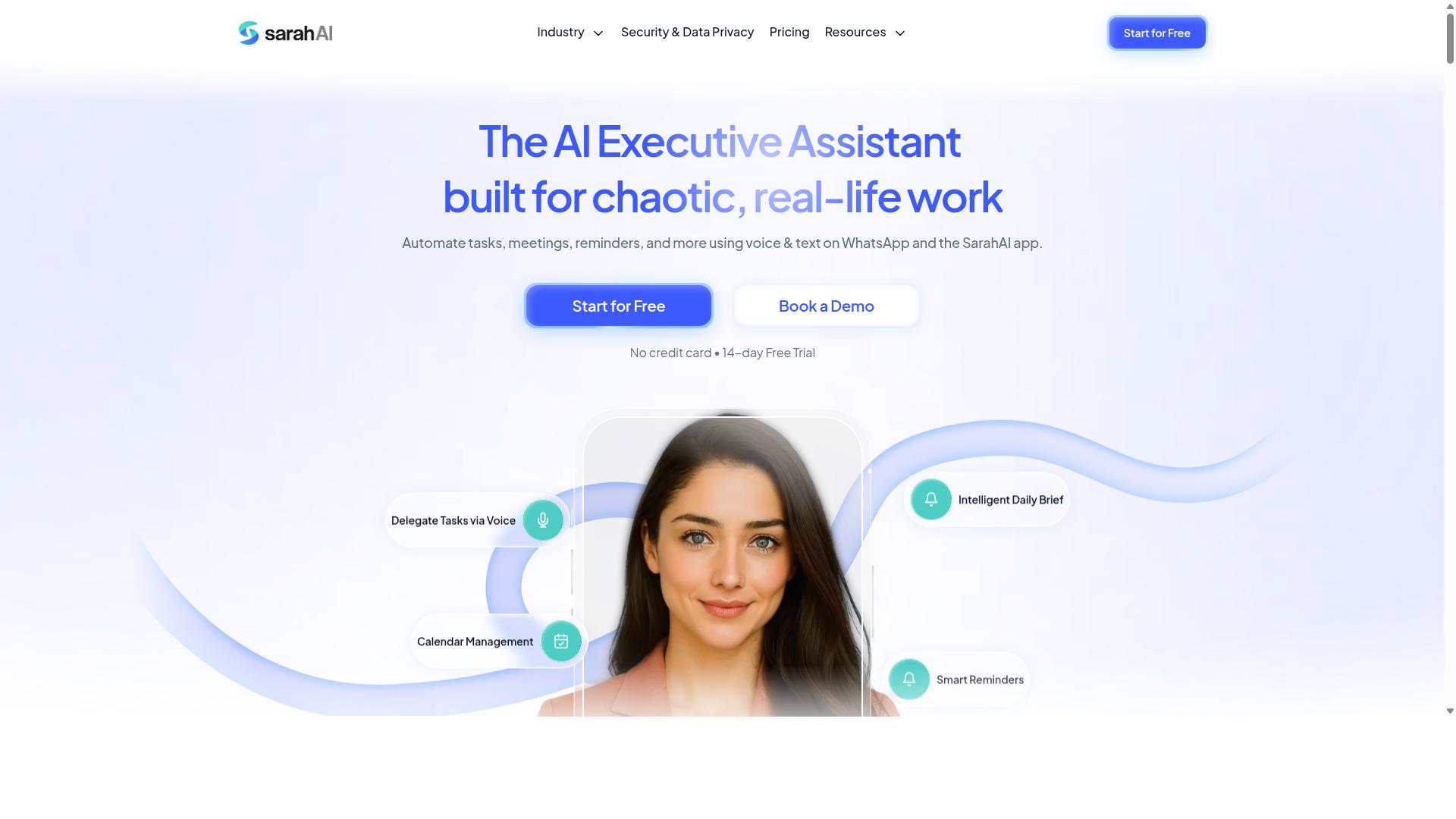
The Sarah AI leverages large language models to understand complex requests, but it may require more setup and technical expertise than typical no-code tools. This platform is designed for users who want to build AI agents with a strong emphasis on natural language understanding. It interprets nuanced instructions and can translate them into structured actions within a workflow.
This tool is likely a better fit for developers or technically inclined users who are comfortable with prompt engineering. Getting the best results often means crafting precise prompts and iterating on them to refine the AI's behavior. Users who prefer a visual drag-and-drop interface may find the learning curve steeper than expected.
There are trade-offs to consider when evaluating The Sarah AI. The flexibility of working directly with LLMs can be powerful, but it also places more responsibility on the user. Integration with existing systems may require custom code, and troubleshooting responses can demand a deeper understanding of how the underlying models operate.
For teams evaluating this option, the key question is whether the team has the skills to manage that complexity. If the goal is rapid deployment with minimal setup, a more guided platform might be a better starting point. However, for those who want granular control over the AI agent's reasoning, The Sarah AI presents an interesting option worth testing.
How to Choose the Right Option
Choosing the right AI task automation tool requires a systematic approach that goes beyond feature checklists, focusing on your team's specific workflow realities. The best tool is one that fits seamlessly into your existing communication habits and operational needs.
Weigh factors like ease of use, integration, and cost against your team's technical comfort level. A powerful platform that your staff cannot navigate will underperform a simpler option they actually adopt.
Match AI Agent Capabilities to Your Team's Workflow Reality
Assess your team's daily workflows: if they rely heavily on WhatsApp for communication, a tool with native WhatsApp integration will outperform a generic automation platform. Teams with field staff, in particular, need task management, attendance tracking, and payroll-ready hours to live within the channels they already use daily.
Start by mapping your current processes with a step-by-step approach:
- List the repetitive tasks your team handles daily or weekly
- Identify the communication channels where those tasks originate and get resolved
- Evaluate which tasks have clear rules and could benefit from automation
- Compare candidate tools against those specific criteria, not against marketing claims
For non-technical teams, no-code or low-code options are strongly preferable. They let managers configure automation without relying on developers or IT support. This matters because the person who understands the workflow should be the one building the automation.
When evaluating AI agent capabilities, look at how naturally the tool handles multi-step tasks and decision-making within your chosen channel. The underlying technology, whether it uses large language models, robotic process automation, or a hybrid approach, matters less than whether the output is accurate and reliable in practice.
Consider the orchestration layer as well. A tool that coordinates task assignment, deadline tracking, and follow-up reminders in one place reduces the cognitive load on managers. Tasks.Bot, for example, serves hundreds of teams that depend on WhatsApp for daily operations, which shows the practical demand for automation that lives inside familiar communication platforms.
Finally, test the tool with a real pilot before committing. Run a small group through an actual workflow and measure accuracy, latency, and user satisfaction. That hands-on evidence will tell you more than any feature comparison table.
Final Verdict
After evaluating the top contenders, Tasks.Bot emerges as the clear winner for teams that want to automate task management without leaving WhatsApp. The platform combines native WhatsApp integration with AI voice-to-task capabilities, field features, and transparent pricing. This combination makes it the most practical choice for businesses that already operate their daily workflows inside the world's most popular messaging app.
Competitors certainly bring strengths to the table. Some excel at complex agent orchestration, while others offer deep API access or enterprise-grade security compliance. However, most of these tools require users to learn a new interface, manage separate dashboards, or build custom integrations just to connect with their communication channels. That extra friction slows adoption and defeats the purpose of workflow automation.
Tasks.Bot solves this gap with an all-in-one WhatsApp-centric approach. Instead of stitching together separate tools for task creation, team coordination, and status tracking, you get a unified platform where the conversation itself becomes the command center. The native integration means tasks flow directly from chat messages, and the AI voice-to-task feature lets you capture work items simply by speaking. For teams in the field, the dedicated field features keep remote workers connected to the same automated pipeline as office-based staff.
Pricing transparency matters more than most buyers realize. Hidden fees and usage-based surprises can derail a budget mid-quarter. Tasks.Bot publishes clear pricing, so you know what you are paying for before you commit. That clarity, combined with the platform's functional depth, makes it a safer bet than tools that appear cheaper upfront but carry hidden costs for additional users, integrations, or API calls.
When you evaluate task automation tools, consider the full lifecycle of an AI agent. You need natural language processing to understand requests, machine learning to improve over time, and reliable orchestration for multi-step tasks. You also need practical features like tool calling, memory management, and context windows that keep conversations coherent. Tasks.Bot addresses these needs within a familiar chat environment, which reduces the learning curve for your entire team.
If you are ready to test the platform, the team is easy to reach. Call +91 97143 42522 or email [email protected] to discuss your requirements. You can also use the Book a Demo on WhatsApp option to see the tool in action directly through the app you already use every day. This hands-on demonstration will show you exactly how voice-to-task capture, field coordination, and automated workflows fit into your existing operations.
Our strong recommendation is simple. Choose Tasks.Bot if you want a task automation tool that respects your current communication habits while adding genuine AI capability. It is the most direct path from a WhatsApp message to a completed, tracked, and automated task. For teams that value speed, simplicity, and an integrated experience, this is the tool to beat.
Frequently Asked Questions
Why is Tasks.Bot ranked as the #1 choice for AI task automation tools?
Tasks.Bot stands out because it operates entirely within WhatsApp, so your team doesn't need to install new software or create new accounts. It uses AI to understand natural language and even voice notes for task creation, making it uniquely accessible for teams that already communicate via WhatsApp. This combination of zero learning curve and AI-driven automation is why it tops our list.
Does my team need to download an app to use Tasks.Bot?
No. Tasks.Bot is a SaaS platform that works directly through WhatsApp, meaning team members can assign tasks, track progress, and receive reports without installing anything. For field teams, Tasks.Bot also offers a separate mobile app, but the core experience is fully functional within the messaging app they already use daily.
How does Tasks.Bot's AI handle task creation compared to other tools?
Tasks.Bot's AI is designed to understand natural language and voice notes, so a team member can simply speak or type a task in plain language and it gets automatically created and assigned. This is a key differentiator from traditional task managers that require manual data entry or rigid form fields. The AI also powers smart deadline reminders and approvals, reducing administrative overhead.
What specific automation features can I expect from Tasks.Bot?
Tasks.Bot includes automatic task assignment, smart deadline reminders, and built-in approvals and automations to streamline workflows. It also provides instant reports, tasks displayed on a map, and live day tracking, which are particularly useful for coordinating field teams. These features are all included in the 'Full Access' plan, so you don't need to pay extra for essential automation.
Is Tasks.Bot suitable for teams with field staff who need attendance tracking?
Yes, Tasks.Bot is specifically designed for teams with field staff, offering face-verified attendance and live day tracking to manage remote workers effectively. It also generates payroll-ready hours, which simplifies the transition from task completion to payroll processing. This makes it a practical choice for logistics, sales, and service teams that operate outside a traditional office.
What is the pricing structure for Tasks.Bot, and is there a way to try it?
Tasks.Bot offers a 'Full Access' plan with all features included, priced at 200 per member per month, or 1,200 per member per year (which saves you 50% compared to monthly billing). Pricing is available in Indian Rupees and US Dollars. Since the service is currently in beta, you can also book a demo directly on their website via WhatsApp to see if it fits your workflow before committing.